
Start with words or images
Write a scene from scratch, or add up to 10 reference images when a subject, composition, or style needs direction.
Text to image · Image to image
Create images from a text prompt or upload photos to transform them with AI. No subscription; pay only for what you create.
Why create here
From your first prompt to a downloadable result, the tools and costs are visible in one workspace.
Write a scene from scratch, or add up to 10 reference images when a subject, composition, or style needs direction.
Text to image · Image to image
Pick a model, aspect ratio, and 1K, 2K, or 4K resolution. The studio shows the credit cost before you generate.
Settings before generation
Start with free credits, then buy a pack only when needed. Model or system failures trigger an automatic credit refund.
No subscription
Uploads and finished results are available through your account. They are not added to a public gallery without your consent.
Private by default
Gallery
Explore community reference images and prompts, then adapt an idea in the studio with your own words or reference image.
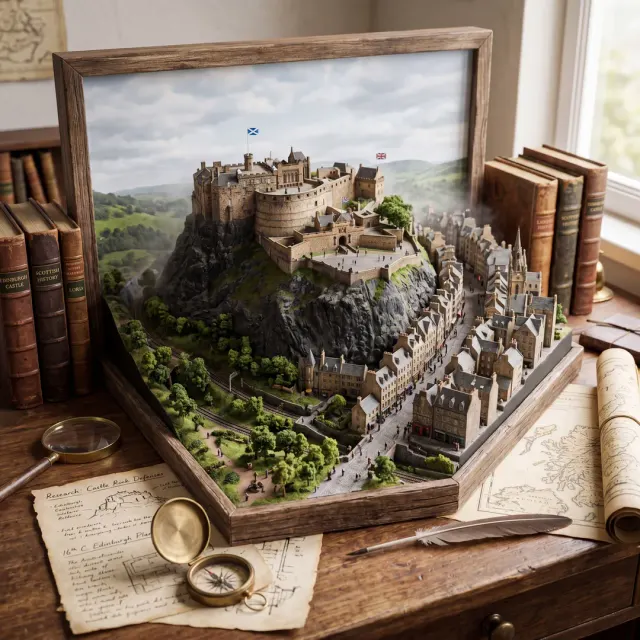
Hyper-realistic 3D miniature landscape of Edinburgh Castle displayed as a detailed tabletop diorama, square 1:1 composition, the historic castle sitting on top of Castle Rock, surrounded by medieval stone walls, towers and courtyards, the Royal Mile extending down into a miniature old town with narrow streets and traditional Scottish buildings, tiny visitors walking, flags waving, cobblestone textures, subtle fog and atmospheric mist, lush green hills around the city. Set on a refined wooden desk with a vintage explorer or historian aesthetic, surrounded by old books, maps, compass, magnifying glass and handwritten notes, warm cinematic lighting mixed with soft cloudy daylight, vibrant but realistic colors, ultra detailed textures, handcrafted miniature model look, realistic depth of field, premium travel and history visualization, clean composition, no watermark, no text overlay
Use this prompt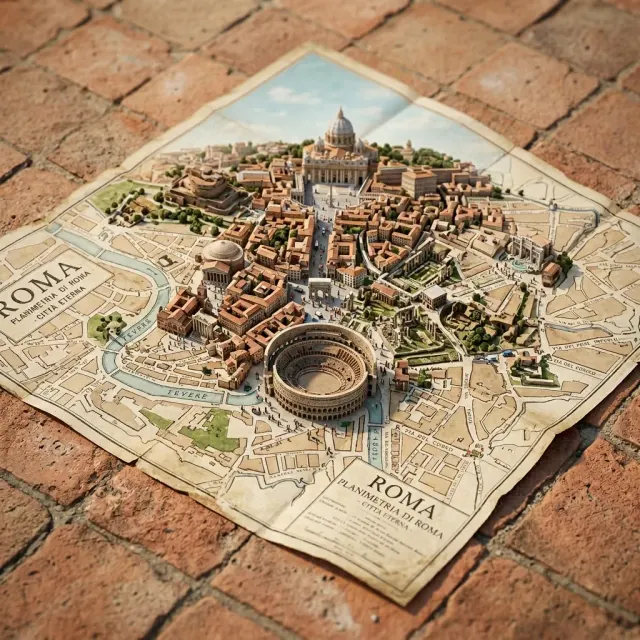
A stunning, wide-angle tabletop photograph of an intricate 3D miniature Rome cityscape diorama. The entire detailed scene is popping out dynamically from an aged, vintage folded paper street map. The map is centered perfectly on a rustic, textured terracotta tiled surface, and the terracotta floor is clearly visible around the edges of the map. High-angle isometric tilt-shift perspective, as if looking down at a detailed architectural model. The Colosseum is front and center, but small in the frame, surrounded by scattered ancient ruins and modern streets. The Vatican dome is visible but small in the far background. Tiny miniature tourists explore the piazzas. The lighting is soft and warm, a classic Mediterranean afternoon sunlight. Photorealistic render, sharp focus on the central diorama with natural depth of field, 1:1 square aspect ratio.
Use this prompt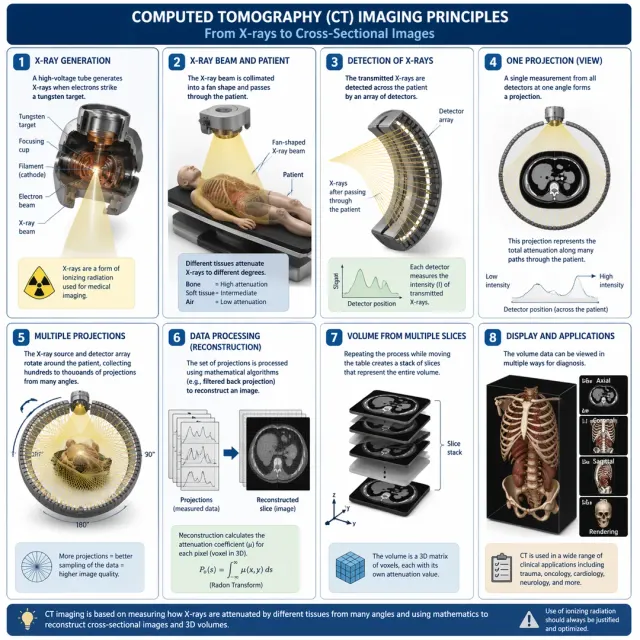
Create a detailed, multi-panel technical infographic featuring 3D exploded views, with eight numbered panels that explain the imaging principles step by step.
Use this promptChoose your starting point
Both modes use the same studio. The difference is whether you begin with a written idea alone or add images to guide the result.
When you have an idea but no starting image.
Your input: a description
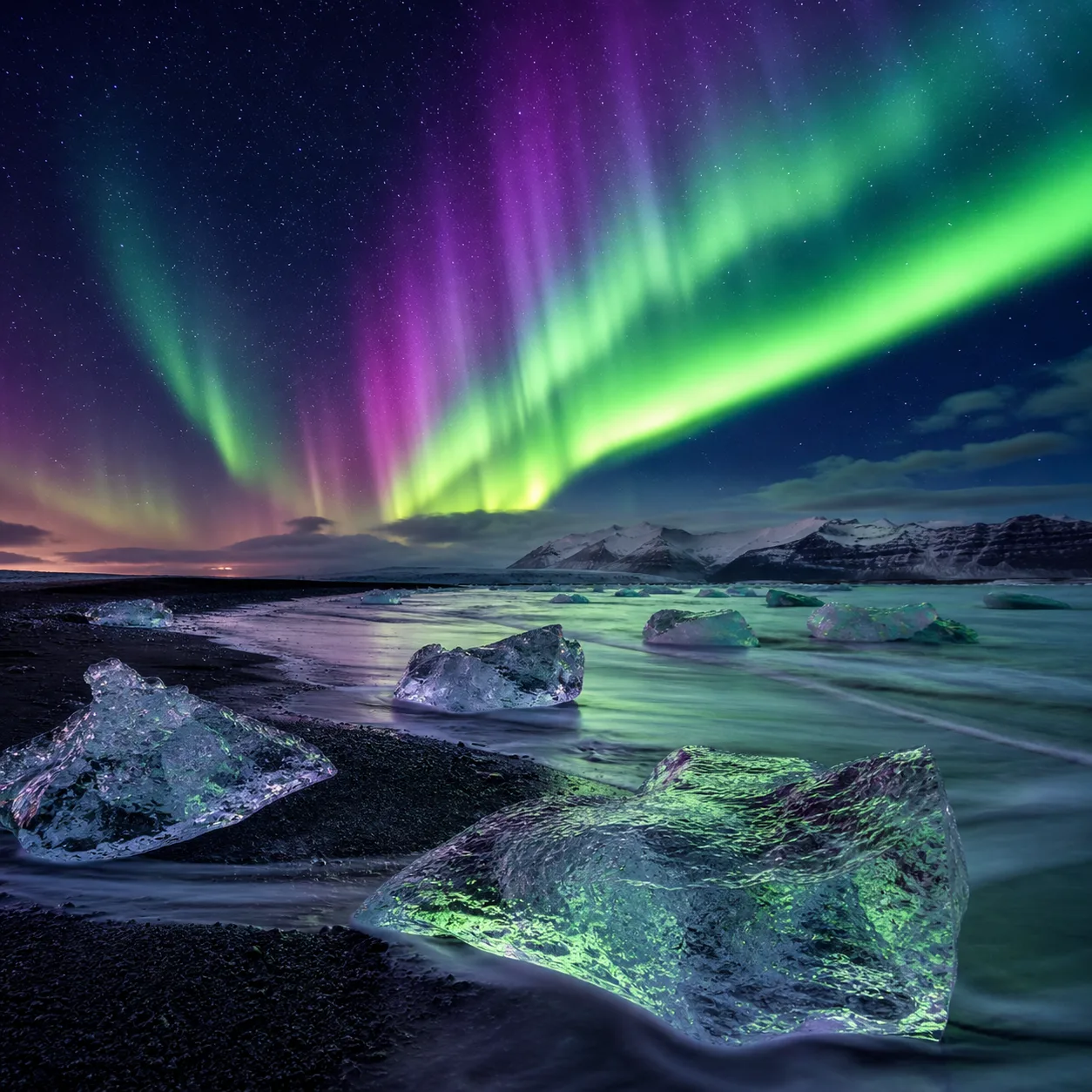
Describe green and purple Northern Lights dancing over an Icelandic landscape at night.
Describe the subject, setting, lighting, and style; then choose the image size and generate.
Explore this mode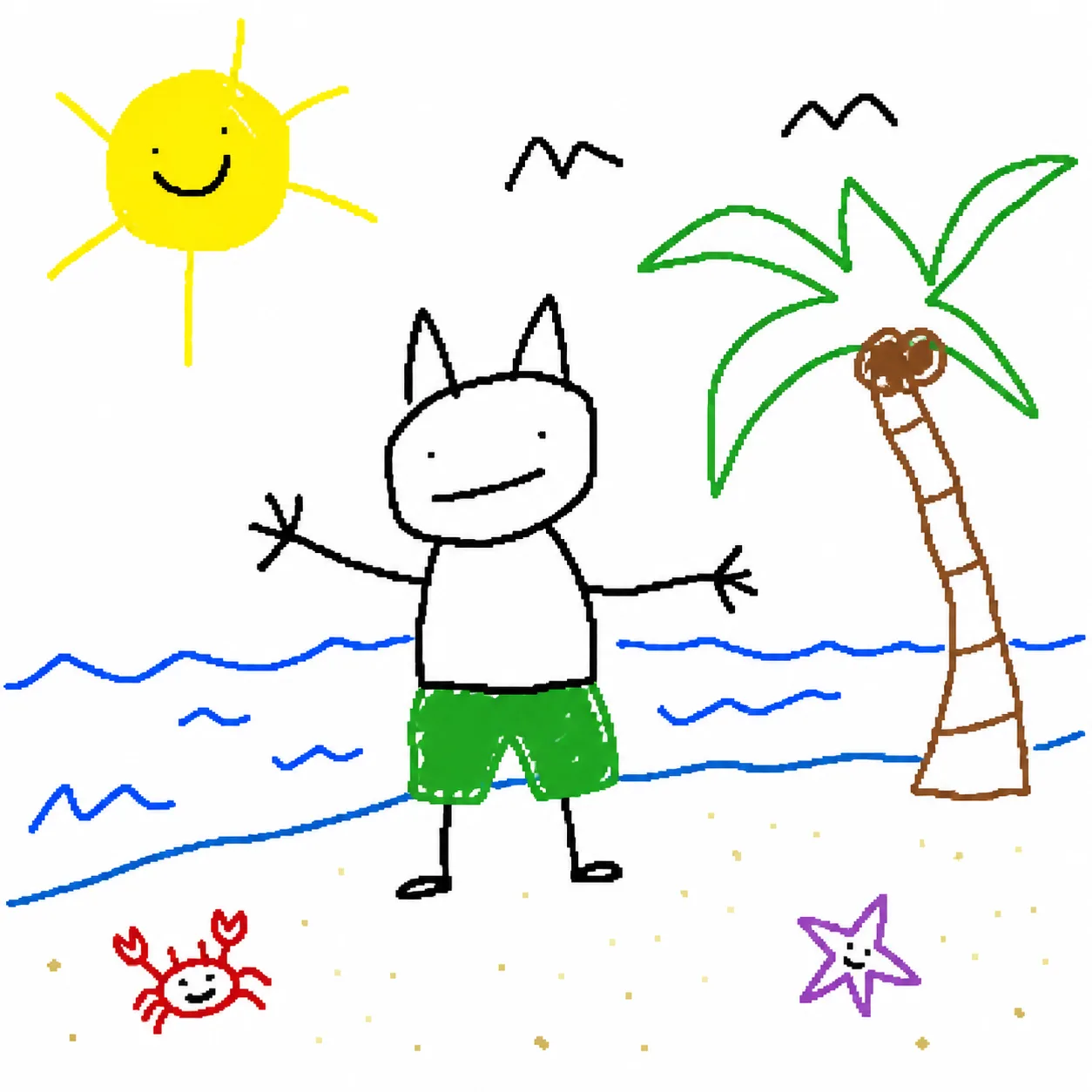
When an existing subject should guide the new image.
Your input: reference images + instructions
Upload an image and ask for a clumsy, scribbly redraw in the style of MS Paint.
Upload reference images, describe what to keep or change, and generate a new interpretation.
Explore this modeHow it works
Go from a first idea to a downloadable image without leaving the workspace.
Write a prompt from scratch, select a template, or upload reference images to guide the subject and style.
Describe what you want to see, then select a model, aspect ratio, and resolution. Check the credit cost before creating.
Sign in to generate. Preview your result, download it, or reuse your settings for another attempt.
Made for your workflow
Use it to explore an idea, prepare a brief, or create something personal. You can start with one image and build from there.
Choose a ready-made prompt, swap in your own subject, and see how changing a few words changes the result.
First project: a personal avatar
Explore visual directions for posts, covers, and story concepts without starting from a blank canvas each time.
First project: a cover concept
Sketch product presentations and campaign ideas before investing in a full production shoot or design brief.
First project: a product concept
Create several directions from the same brief and use the results to discuss composition, mood, and style.
First project: a mood exploration
Community feedback
Tell us what you set out to make, what worked well, and what you would improve. We are collecting feedback before publishing customer quotes.
Share your feedbackIdeas for your feedback
Simple pricing
New accounts receive 10 credits. When you need more, buy a pack once and use its credits at your own pace.
Starter
For trying it out and occasional creation
$4.99one-time
250 credits
About 31 images at 8 credits each
Creator
For regular creation
$15.99one-time
1,000 credits
About 125 images at 8 credits each
Pro
For studios and frequent production
$39.99one-time
2,000 credits
About 250 images at 8 credits each
Image counts are estimates. The studio shows the actual credit cost before each generation. Credit packs do not renew automatically.
Help
Answers to common questions before you start creating.
Yes. You can set everything up first and sign in when you click Generate; your settings will be saved.
No. Credits charged for a model or system failure are refunded automatically.
Purchased credits do not expire or renew automatically. Remaining credits are lost if you delete your account.
No. Your images are used only for tasks you start and will not enter a public gallery without your consent.