10 free credits for new users

AI Image to Image Generator

Upload one or more reference photos and describe what to change. Restyle a portrait, edit a product shot, or turn a sketch into a finished illustration while keeping what matters.

Keeps faces and compositionMultiple reference imagesAutomatic credit refunds on failure

Image to image examples

See what one photo can become

These results started from an uploaded image and a short instruction. Open one in the studio, add your own photo, and adjust the prompt.

Browse gallery
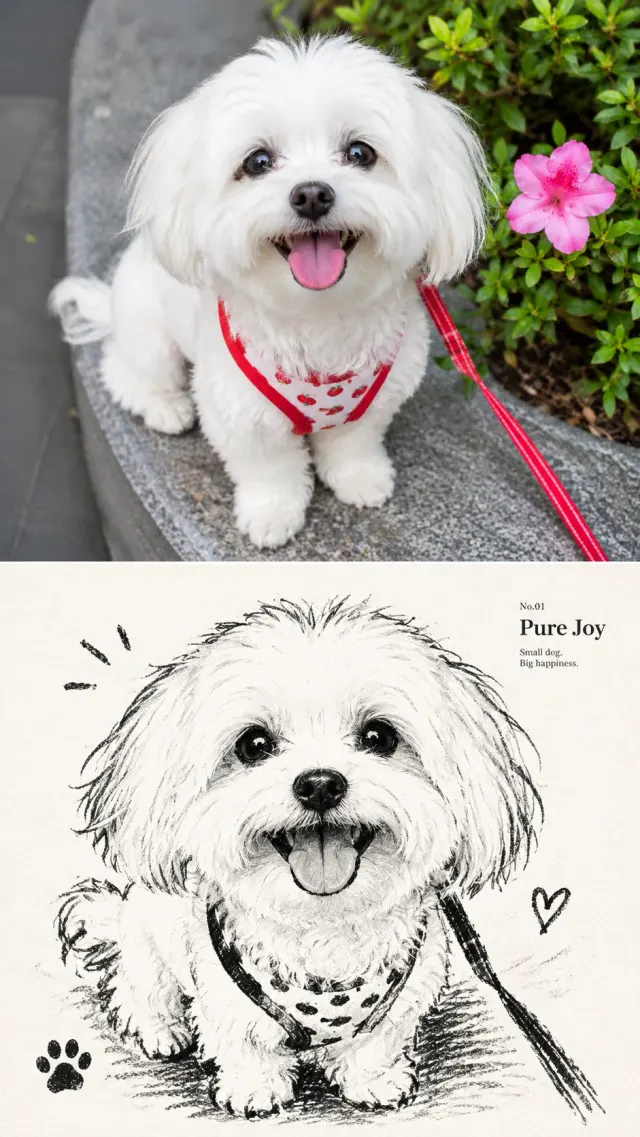
Photo to Charcoal Sketch Poster

Photo to Charcoal Sketch Poster

Please generate a 3:4 vertical double-panel poster based on the photo I uploaded, with a strict 1:1 ratio between the top and bottom, each occupying 50% of the space. Do not use multiple images collages. The top half must be based on the original photo. Keep the facial features, expressions, hairstyles, clothing, actions, composition, background, and lighting as unchanged as possible. Do not redesign the character; only make slight, sophisticated color adjustments. The bottom half should be a minimalist black and white hand-drawn style using bold crayon/charcoal/dry brush strokes. Focus on retaining the most recognizable expressions, hairstyles, actions, and facial contours from the original photo. You can slightly exaggerate the eyes, mouth, and head to create memorable details, but avoid realistic sketching and mechanical copying. The bottom half should use only a black and off-white paper background with large areas of white space. Retain rough brushstrokes, broken lines, exposed white areas, paper texture, and irregular edges. Do not use color, grayscale gradients, smooth vector lines, or 3D effects. The overall style should resemble an "old black and white children's picture book × high-end independent magazine"—playful, humorous, restrained, and artistic. Add a small amount of English typography: No.01 + a short English title of 2-4 words + a very short English caption. The text is automatically generated based on the expression and emotion of the people in the photo, placed in a white space, small and restrained, without obscuring the people.

Use this prompt
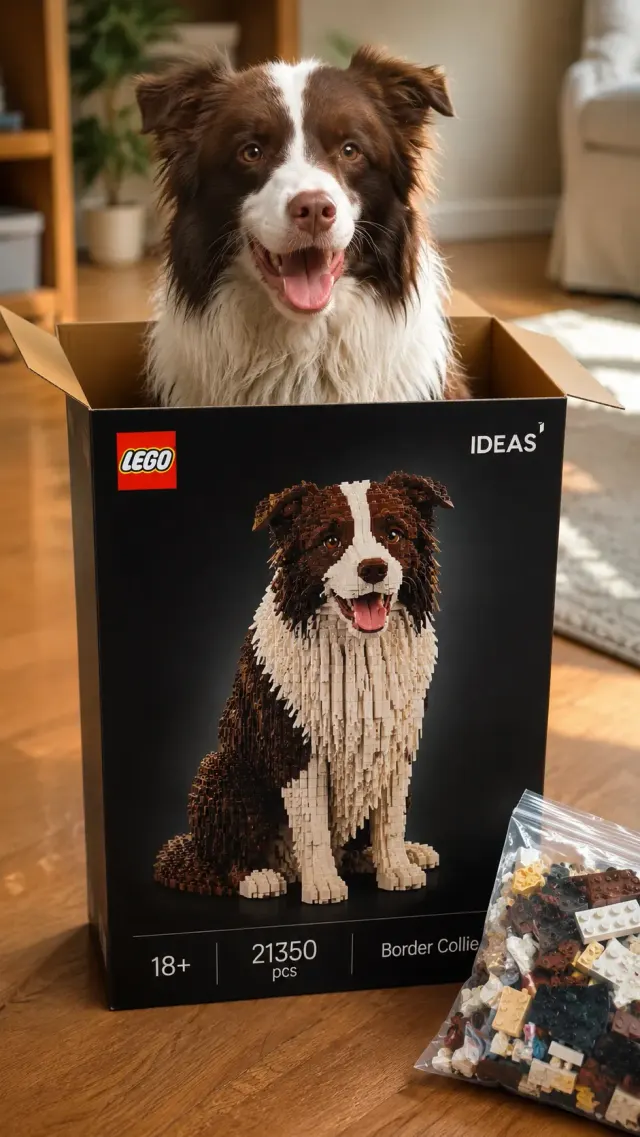
Dog to LEGO

Dog to LEGO

Use the pet in the reference photo as the sole model. Generate a hyper-realistic commercial product photograph: the pet is sitting inside an open LEGO Ideas collector's edition box, with only its head and upper body visible as it leans out, looking directly at the camera with a cute, natural expression. The front of the box displays a LEGO brick sculpture that is an exact replica of the real pet; the model must accurately reproduce the breed, coat color, markings, face shape, eye color, nose color, fur length, and physical characteristics from the reference photo. The LEGO model is constructed from tens of thousands of bricks, with the stud structure clearly visible, presented in the style of official LEGO Ideas promotional imagery. The box features the black LEGO Ideas design aesthetic: LEGO logo in the top-left corner IDEAS logo in the top-right corner Three information panels at the bottom Left panel: 18+ ages Center panel: 21350 pieces Right panel: Automatically filled based on the pet breed (e.g., Ragdoll pet, British Shorthair, Maine Coon, etc.) A bag of LEGO parts ready for assembly is placed next to the box. Setting: indoor wooden flooring, warm natural light, shallow depth of field; high-end commercial product photography style, hyper-realistic, 8K resolution, highly detailed fur, realistic shadows, high-quality toy advertisement.

Use this prompt
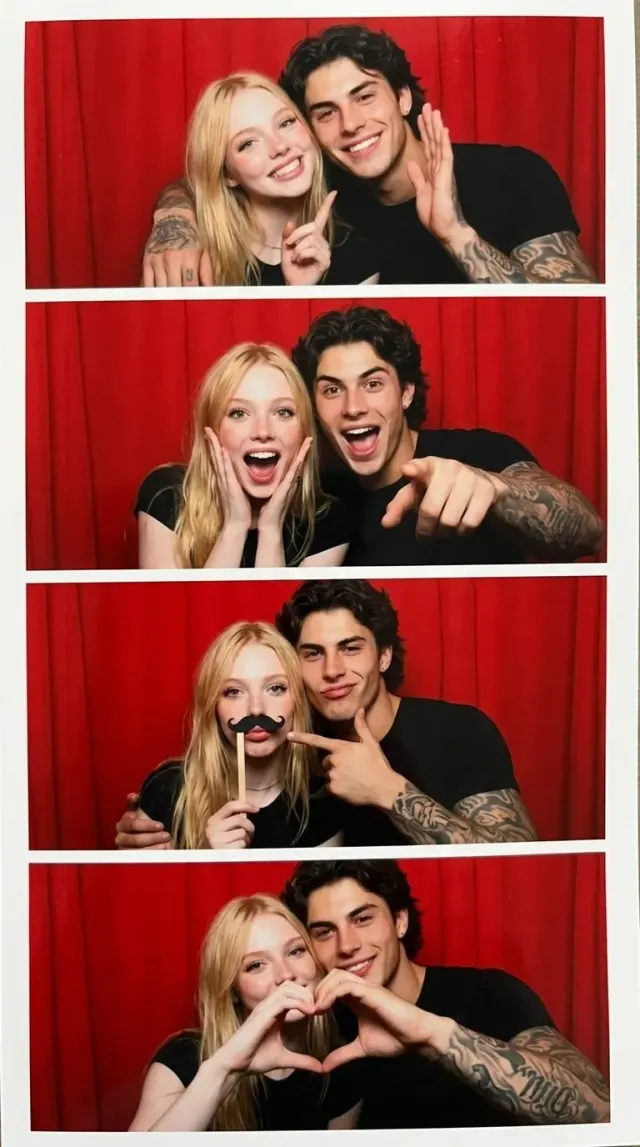
Love Booth Grid Collage

Love Booth Grid Collage

A 4-panel vertical photo booth grid collage of a romantic couple (uploaded 2 image), high-angle shots, capturing intimate and playful moments. Composition & Poses: The couple is standing close together inside a tight space. Across the 4 grid panels, they are interacting with the camera and each other with dynamic poses: leaning in close, pointing upwards, gasping with wide-open mouths in excitement, holding a fake mustache prop on a stick, making a hand-heart gesture, and smiling warmly. Background & Atmosphere: Set inside a retro vintage photo booth with a vibrant solid red background. Bright flash photography effect, overhead soft studio lighting, nostalgic and romantic atmosphere, intimate vibes, hyper-detailed, 8k resolution

Use this prompt

How to transform an image

Transform a photo in three steps

Your upload guides the subject and composition; your prompt decides what changes.

  1. Step 01

    Upload reference images

    Add a photo, sketch, or product shot. Use several images to combine a subject with a style or background.

  2. Step 02

    Describe the change

    Say what to keep and what to change: a new art style, outfit, background, lighting, or format such as a poster or figurine.

  3. Step 03

    Generate and download

    Sign in, generate, and compare the result with your original. Refine the instruction and try again if needed.

No subscriptionCredits refunded on failureUploads stay private

Choose your starting point

Text to image or image to image

Both modes use the same studio. The difference is whether you begin with a written idea alone or add images to guide the result.

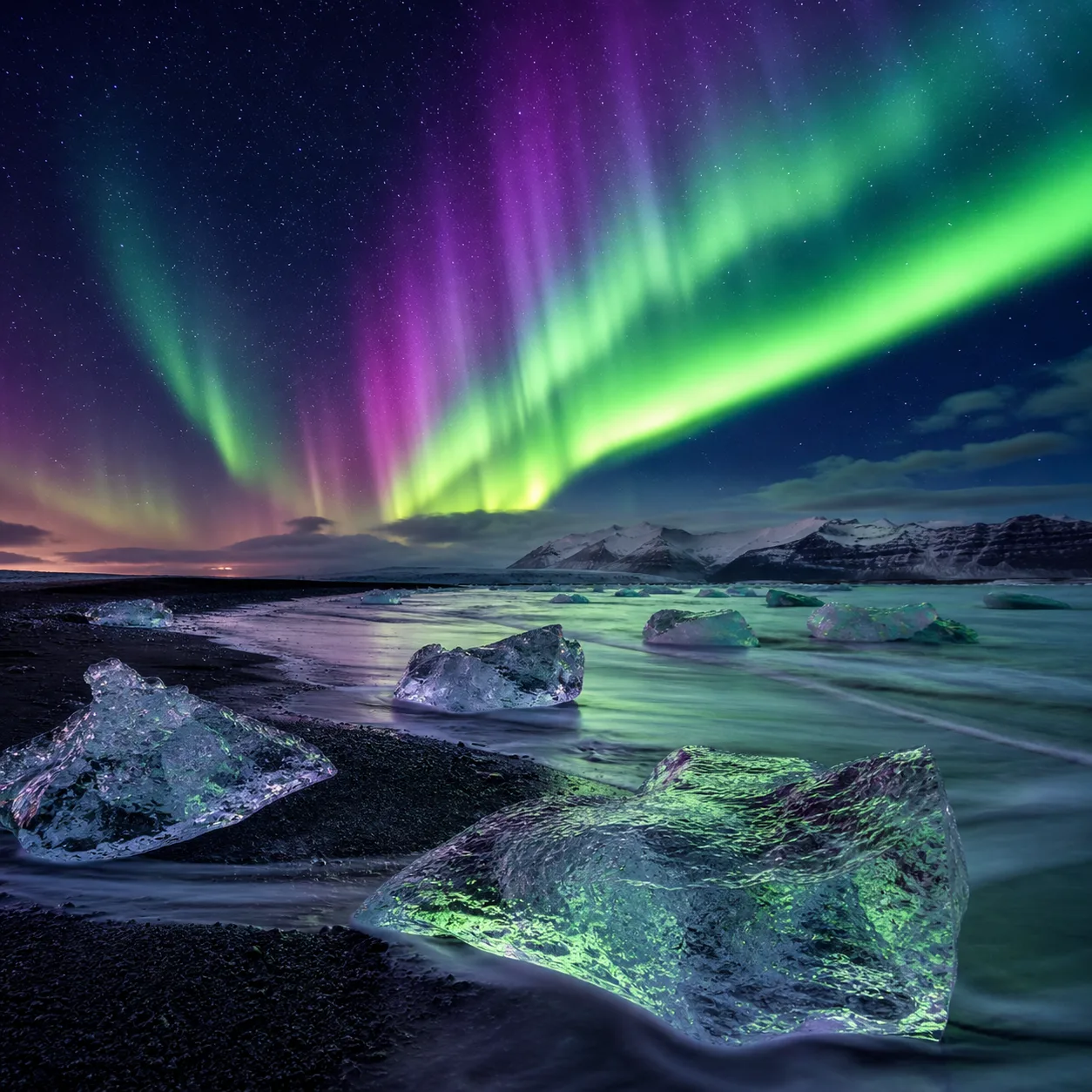
Northern Lights over Iceland

Text to image

When you have an idea but no starting image.

Your input: a description

Describe green and purple Northern Lights dancing over an Icelandic landscape at night.

Describe the subject, setting, lighting, and style; then choose the image size and generate.

Explore this mode
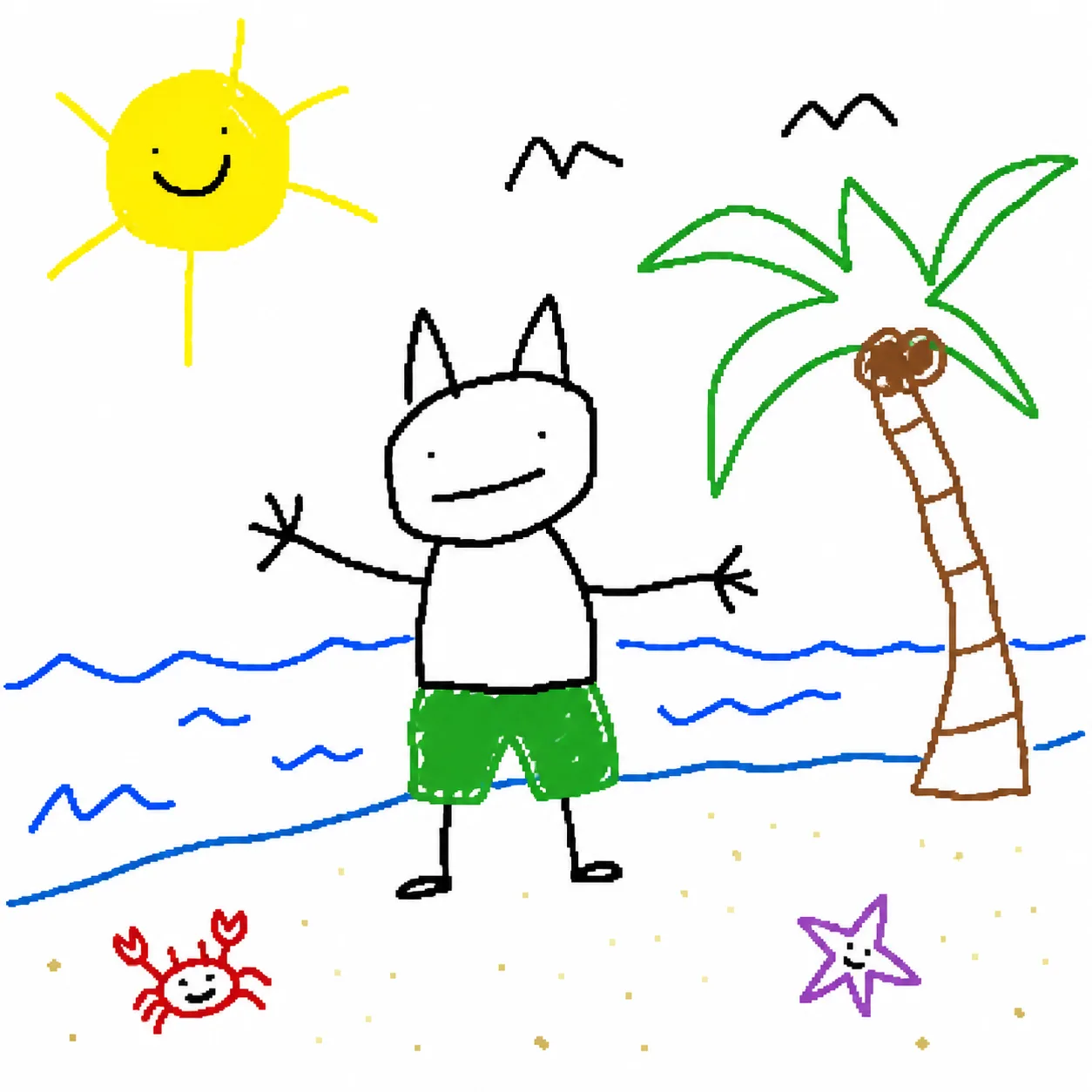
Clumsy MS Paint Redraw

Image to image

When an existing subject should guide the new image.

Your input: reference images + instructions

Upload an image and ask for a clumsy, scribbly redraw in the style of MS Paint.

Upload reference images, describe what to keep or change, and generate a new interpretation.

Explore this mode

Image to image FAQ

Questions about AI image to image

What to know before you transform your first photo.

What is AI image to image?

Image to image uses a picture you upload as the starting point. The AI keeps the parts you want, such as a face, pose, or product, and changes the rest according to your text instruction.

What can I do with image to image?

Popular uses include turning photos into anime, oil paintings, or sketches; replacing backgrounds; creating product mockups; making pet portraits; and turning selfies into figurines or posters.

How many reference images can I upload?

You can upload up to 10 reference images (4.5 MB each), for example a person plus a style reference.

Will my uploaded photos be made public?

No. Your uploads are used only for the tasks you start and never appear in a public gallery without your consent.

How do I keep the face or product unchanged?

Say it explicitly in the prompt, for example "keep the face, hairstyle, and expression unchanged", and describe only the parts that should change.

Is image to image free to try?

Yes. New users get 10 free credits after signing in. Credits for failed generations are refunded automatically.

Give your photos a new look

Sign in to get 10 free credits. No card required.

Upload a photo

nanopixel.app

Sign in to keep your creations and credits synced.

By continuing, you agree to our Terms of Use and Privacy Policy.